 Sales & CRM
The workflow problem it solves
Review responses need a consistent brand tone, but repetitive writing makes teams either delay replies or rely on generic wording.
How to use ReviewReply Pro
01Open the relevant page or browser workflow.
02Run the focused action and inspect the result.
03Edit, export or continue only when you approve.
Practical example
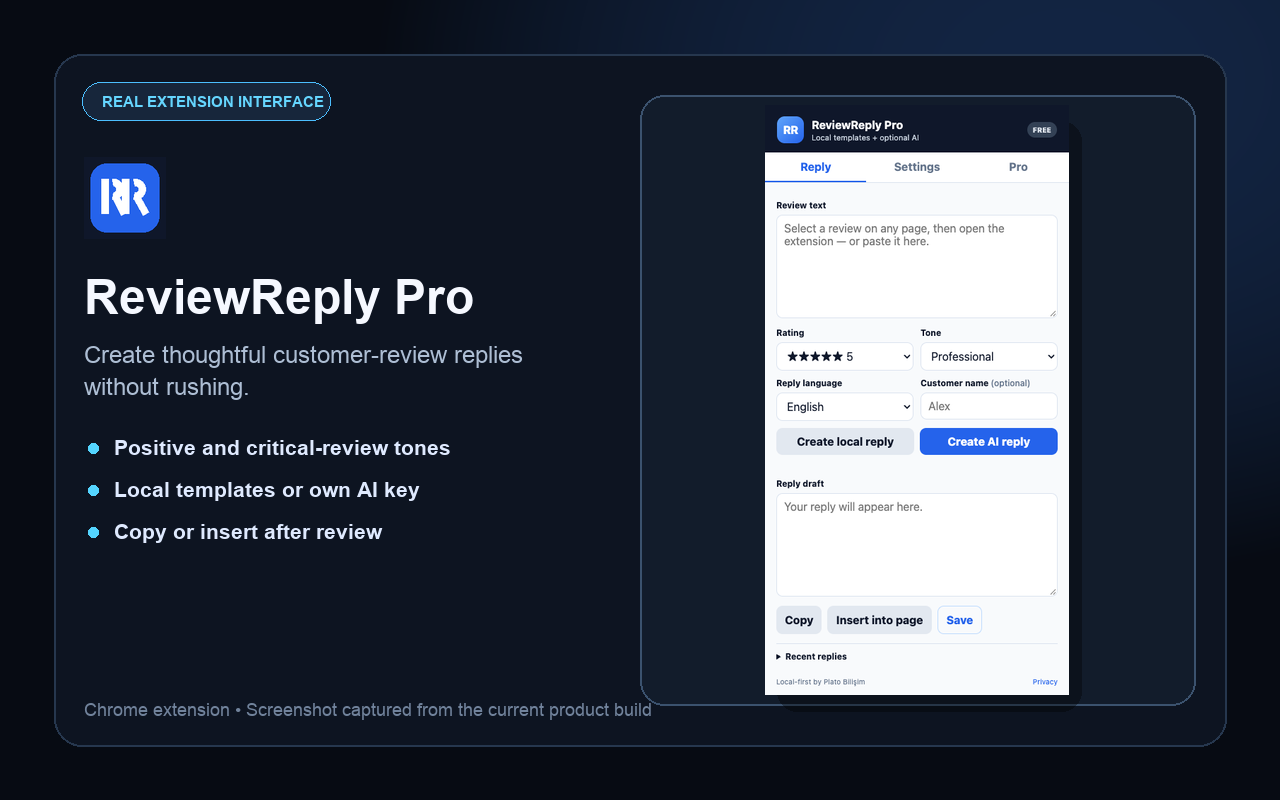
Paste or select the review, choose the appropriate tone, generate a draft and edit the final reply before posting it yourself.
Who it is for
Local businesses, ecommerce teams, agencies and customer-success staff.
Built as a focused browser tool
Kernolix presents controlled browser workflows: inspect the current context, prepare the result and keep a human decision before export, posting or submission.